
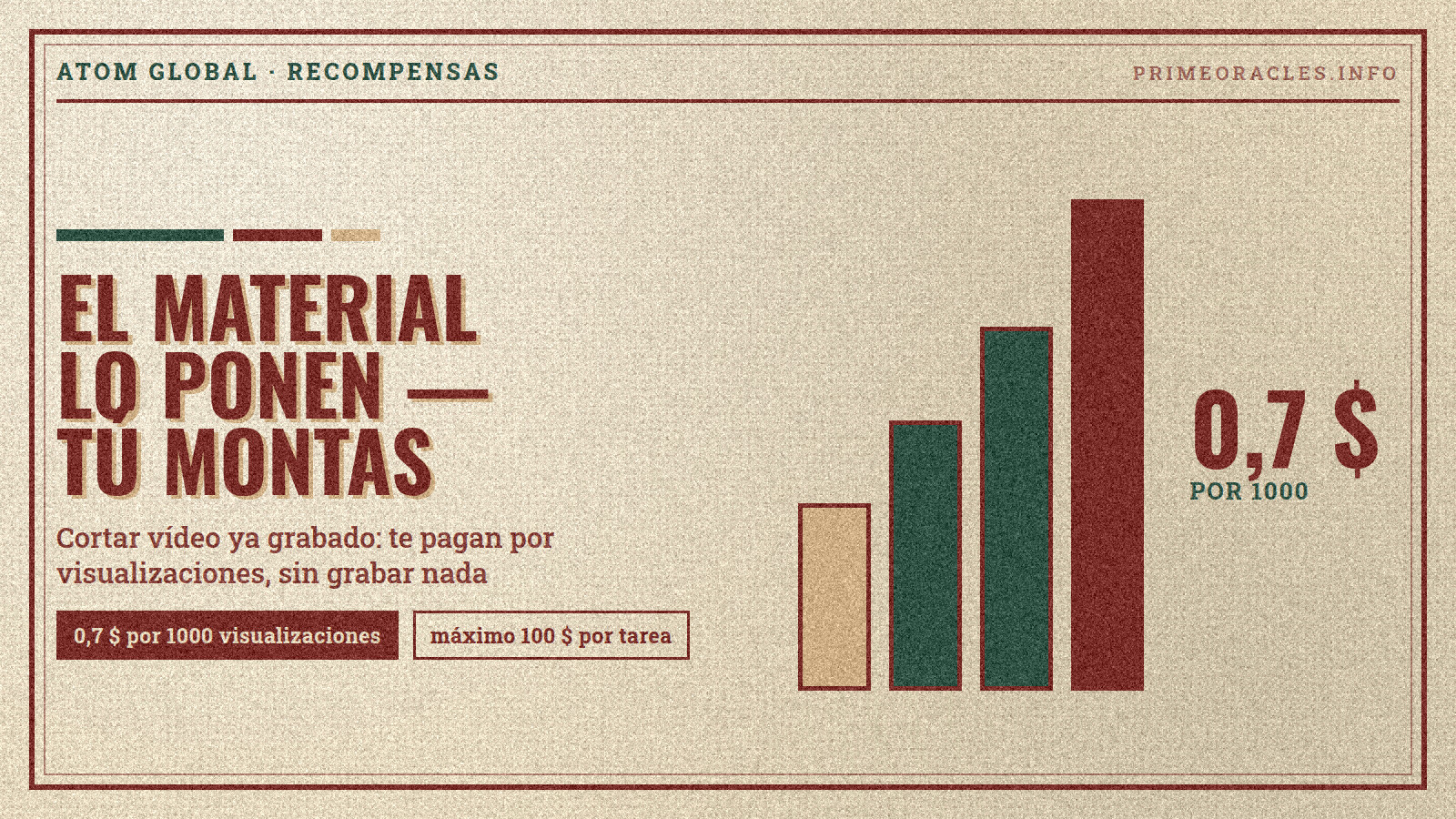
Prime Oracles has two open tasks from tech holding ATOM GLOBAL for Russian-speaking creators: one pays $0.70 per 1000 views for clipping existing footage, and another pays $0.20 per 1000 views for placing a banner in your own video. Both promote AI ATOM GLOBAL EXPO 2026, an AI technology forum held from October 16-18 in Minsk, Belarus.
The deadline is tight: submissions are accepted through October 15, and both campaigns close on October 16. Here are the terms, requirements, and steps for each task.
The Two Tasks
| Task | Type | Rate | Min. Payout | Max per Video | Budget | Post by |
|---|---|---|---|---|---|---|
| ATOM EXPO — Clip and Post Existing Footage | Clipping | $0.70 / 1000 views | $2 (approx. 3000 views) | $100 | $500 | October 15 |
| AI ATOM GLOBAL EXPO — Banner in Your Own Video | Banner | $0.20 / 1000 views | $1 (5000 views) | $60 | $400 | October 15 |
Both tasks are for posting on Instagram and TikTok. The target audience is the CIS region, so there's no need to translate videos or run an account geared toward another country. Both campaigns started on October 7 and close on October 16.
What's Being Promoted
AI ATOM GLOBAL EXPO 2026 is an AI technology forum held from October 16-18 at BelExpo, Minsk. The program features humanoid robots, the country's first driverless drift, 50 projects, and over 30 speakers. Admission is free for school and university students.
This is important for your edit: it's not an abstract product but a time-sensitive event. What works best are shots of robots and the drift within the first two seconds, a countdown to the opening, and a "what to do this weekend in Minsk" angle.
Clip and Post Existing Footage — $0.70 per 1000 Views
The most straightforward entry point: you don't have to shoot anything yourself. The source material is in the campaign folder, accessible from the task brief. You just edit it into a short video and post it to your account. The editing is minimal: just cuts, music, and text overlays. Some clips can be exported as-is, but you need to make them unique first—otherwise, the platforms won't give them reach.
Task requirements:
- Vertical 9:16 video, 10 seconds or longer;
- Use only footage from the campaign folder;
- The link atomexpo.by in your profile bio or description;
- Mention the date and location in the video: October 16–18, Minsk, BelExpo;
- Post on or before October 15;
- Do not delete the video for 20 days after payment.
The payout starts at $2, which is about 3000 views. The $100 cap is reached at around 143,000 views.
There's a bonus: if you talk about the expo in your own words instead of just editing the provided footage, your payout increases by 30%.
Banner in Your Own Video — $0.20 per 1000 Views
Here, too, you don't need to shoot or speak. You take your usual content and insert the ready-made ATOM AI EXPO banner in the middle. The banner and a placement example are in the additional assets within the brief.
Shows, reviews, life hacks, and any other original content are fair game. Clips from movies and TV shows are also accepted, but the payout for those videos is reduced by 50%.
How to place the banner:
- While the banner's audio plays, your video should either freeze-frame or be muted—two simultaneous audio tracks are considered an error;
- The banner must be shown in full, with its own audio, and with no overlays;
- Video under one minute: one banner, in the middle;
- Video over one minute: the banner repeats every minute—a 1.5-minute video gets two banners, a 2.5-minute video gets three;
- The link must remain in your bio for the entire campaign.
Format requirements: Vertical 9:16 video, 30 seconds or longer; banner must be clearly visible and audible; post on or before October 15. The content must be positive—negative, critical, or shock content alongside the banner will lead to your submission being rejected.
One account-related condition: videos from newly created accounts are not accepted; the profile needs some posting history.
The payout starts at $1, which is 5000 views. The $60 cap is equivalent to about 300,000 views.
Who is ATOM GLOBAL
ATOM GLOBAL describes itself as a tech holding and venture builder that creates, develops, and scales companies in artificial intelligence, blockchain, and immersive technologies. Its portfolio includes the Atleta blockchain platform, the Blockchain Sports project, the Arteki studio, the JGGL app, and other products.
The holding has its own community on the platform — ATOM GLOBAL, with 132 members — where its campaigns and new tasks appear before they hit the main board.
The Same Advertiser Also Has Tasks in English
Three of ATOM GLOBAL's five tasks are aimed at English-speaking creators. Two revolve around JGGL, the holding's AI-powered social network where music, images, video, and short clips can be created with a single in-app assistant. The rates there are higher—up to $2 per 1000 views for a UGC video about the app—and the deadline is longer: until November 11.
If you already work with an English-speaking audience, the terms are explained separately: Gana dinero con vídeos UGC: JGGL paga 2 $ por cada 1000 visualizaciones.
How to Accept a Task, Step-by-Step
- Open the "Content Rewards" section on Prime Oracles.
- Find the ATOM EXPO tasks: set the audience filter to the CIS region; both are in the "Event" category.
- Open the task brief and read the requirements before you start editing: format, duration, what to put in your bio, and the posting deadline.
- Click "Accept Task."
- Download the campaign assets from the brief, edit the video according to the instructions, and post it on Instagram or TikTok.
- Add the link to your post in the task brief—that's how views are tracked.
If you're a brand looking at this from the other side, you can create your own task with the "Create Campaign" button.
Before You Start
- The deadline is tight. Submissions are accepted through October 15. These are tasks to grab now, not to leave for the weekend.
- The link in bio is mandatory for both tasks. It's the smallest detail in the brief and the most common reason for an otherwise perfect video to be rejected.
- Payouts are based on views, not videos. Ten weak posts will earn less than one that goes viral.
- The cap is the cap. $100 for clips and $60 for the banner. The rate doesn't apply to views beyond that point.
- You can take on both. They are different formats: the clips are made from the campaign folder, and the banner is inserted into your own content, so they don't conflict with each other.
Frequently Asked Questions
How much does the clipping task pay?
This task pays $0.70 per 1000 views, with a minimum of $2 and a cap of $100 per video. To compare rates with other tasks on the platform, see Clipping: qué es y cómo ganar dinero creando clips.
Where do I get the footage for the clips?
It's in the campaign folder: the link opens directly from the task brief with the "Open Assets" button. You don't need to find your own videos, and you cannot use outside footage.
How many views are needed to hit the maximum payout?
At a rate of $0.70 per 1000 views, the $100 cap is reached at around 143,000 views. For the banner task, at $0.20 per 1000, the $60 cap is about 300,000 views. Payouts begin at $2 and $1, respectively.
Can I accept both tasks at the same time?
Yes, they are different formats. The clips are edited from campaign footage, and the banner is inserted into your own video. For more on how to fit multiple tasks into one week, see El flujo de trabajo del clipper: cortar directos.
Can I use a new account?
There are no account requirements for the clipping task. For the banner task, however, videos from newly created accounts are not accepted; the profile needs some posting history.
How is the banner task different from a standard brand integration?
You don't negotiate a price per video with the advertiser. Instead, you're paid for views at a fixed rate, and the placement rules are the same for everyone. We explored how this works in practice with another task: El banner de StealthSurf en YouTube Shorts.
On Prime Oracles, the terms are transparent: the CPV rate, minimum payout, cap, and requirements are all visible before you start working. Tasks are located in the "Content Rewards" section and are accepted with the "Accept Task" button; brands can post their own using "Create Campaign."
Task Briefs: ATOM EXPO — Clip and Post Existing Footage, AI ATOM GLOBAL EXPO — Banner in Your Own Video. Both are in the "Content Rewards" section.