
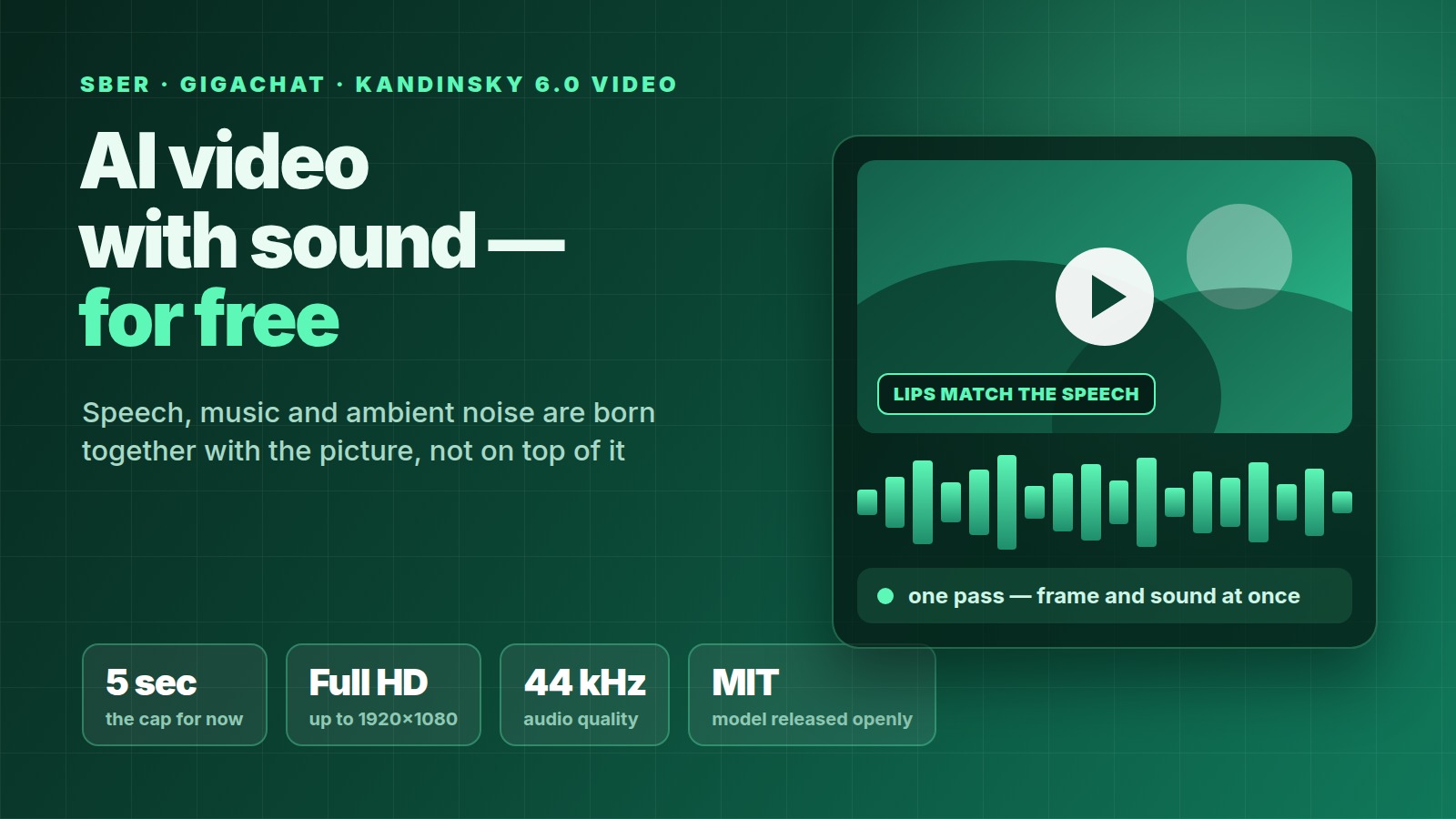
On 6 October 2026 Sber switched on video generation with sound inside GigaChat: the neural network draws the picture and scores it itself — speech, music and ambient noise. For GigaChat users it is free, with no card and no workarounds needed. Clips run up to five seconds and up to Full HD.
For short-video creators this means there is now a working AI video tool that opens from Russia — good for inserts, intros and rough UGC scenes. Here is what it does, what it does not do, and how to fit five-second pieces into a real video.
What exactly launched
The generation runs on Sber's new model, Kandinsky 6.0 Video. Its main difference from earlier versions: picture and sound are created together, by one model, instead of being glued on afterwards. That is why the character's lips move in time with their own line, footsteps land on the step, and the music changes along with the scene.
You can set up a scene two ways:
- describe it in text — what happens, who speaks, which sounds you need;
- upload the first frame (your own photo or an image) and describe separately what should happen and how it should sound.
Sound is optional — the model can also produce a silent clip.
Specs: what Sber promises
| Parameter | Value |
|---|---|
| Clip length with sound | up to 5 seconds |
| Quality | SD, HD or Full HD (up to 1920×1080) |
| Audio sample rate | 44 kHz |
| Frame rate | about 24 frames per second |
| What is in the audio | lip-synced speech, music, ambient noise, effects |
| Price for a GigaChat user | free |
| Time for one generation | about 8 minutes (according to ppc.world) |
Five seconds is today's ceiling. Sber says it plans to raise it but has not named a date.
How good is it next to the others
It matters whose numbers these are. Every comparison below is Sber's own claim; there are no independent measurements yet:
- the new model beats the previous one, Kandinsky 5.0, in roughly 71% of cases across all criteria;
- on visual quality and motion accuracy it outperforms the open LTX 2.5 model and the closed Veo 3.1 Fast;
- the team's research paper puts it more carefully: Kandinsky 6.0 Video leads LTX 2.5 on most VABench metrics and "remains competitive" with proprietary systems, particularly on speech quality.
On training data Sber reported "more than 20 million videos with sound". The paper gives a more detailed breakdown: 50 million images, 20 million video scenes, 40 million audio tracks and 7 million segments where video and audio are synchronised.
The model was given to developers for free as well
A separate piece of news: Sber released the model itself in the open under the MIT licence. That is the most permissive of the common licences — it can be used in commercial products.
"We are giving the Kandinsky 6.0 Video model to developers free and without restrictions," said Anton Frolov, Senior Vice President and Head of Generative AI Development at Sberbank.
What was published:
| What | Details |
|---|---|
| Model versions | Lite — 3 billion parameters, Pro — around 30 billion |
| Upscale to Full HD | a separate 1-billion-parameter model, ×2 and ×4 |
| Where it lives | Hugging Face and GitHub |
| What it works with | Diffusers, FAL, FastVideo, ComfyUI |
| To run it locally | from 16 GB of video memory (according to Habr); the model card offers offloading parts to RAM to fit a smaller card |
One useful technical detail: the model itself generates video at a small resolution — 864×480. Full HD comes from upscaling with a separate model. So "Full HD" here is an enlarged picture, not true 1080p capture. On short inserts the difference is barely visible, but stretched across a full screen the softness shows.
What a short-video creator should do with it
Five seconds is not a video, it is a detail. Here is where those details actually work:
Intro and outro
A five-second scene with the right mood and sound is a perfectly good intro for a series. Make it once, drop it into every episode.
A cutaway under voiceover
When you are narrating and have nothing to show, a five-second scene covers the gap. In that case turn the model's audio down and keep your own voice.
A draft for the client
If you do UGC and need to agree on an idea, showing a five-second scene is easier than explaining it. The shoot then goes faster, because everyone has already seen what was meant.
Bringing a photo to life
The "first frame + description" mode is a way to make a still image move. For archive photos, screenshots and product shots it gives more than generating from scratch.
The editing approach is simple: cut 4–6 different five-second scenes, assemble them into one video and lay a single audio track over the top. The viewer then stops counting the length of each piece, and the style differences between scenes are masked by the music.
Do not forget the AI label
TikTok, YouTube and Instagram require realistic AI content to be labelled. The label is set inside the platform at upload, not in GigaChat. If your insert could be mistaken for real footage, label it: platforms cut reach for a missing label and, in serious cases, remove monetisation. Abstract graphics and obviously drawn scenes do not fall under the requirement.
What is still unknown
Honestly about what Sber did not explain:
- How many generations a day the free access allows. The word "free" is in the press release; a limit number is not. You will have to find out in practice.
- Whether paid plans arrive later. Nothing was said.
- Vertical format. Model cards and examples show horizontal resolutions (864×480 and 1920×1080). There has been no word about 9:16, the format Shorts, Reels and Clips need. For now assume you will have to crop a horizontal frame.
- Terms of use for clips made inside GigaChat. The MIT licence covers the model you download. What you may do with video created inside the GigaChat service is governed by the service rules — no separate clarification came with this launch.
- When the 5-second limit goes up. Plans are stated, dates are not.
If any of these points is critical for you, do not build your work on it until Sber says so plainly.
Frequently asked questions
Which free AI video generator works from Russia?
GigaChat with the Kandinsky 6.0 Video model. It is a Russian service, it opens without workarounds, and video generation in it is free. We covered the alternatives and their availability in Sora shut down: why, and what to use instead for AI video in Shorts, Reels and UGC.
How do you make a video with sound in GigaChat?
Describe the scene in text and separately say what should be heard: who speaks and what line, what music, what noises. Or upload the first frame and add a description of the action and the audio. Pick a quality — SD, HD or Full HD. One generation takes about eight minutes.
How long is a video from GigaChat?
Up to five seconds with sound. A higher limit is promised, but no date was given. For a finished video you need to stitch five-second scenes together.
Can you post this video on TikTok, Shorts and Reels?
Technically yes. Two caveats: the frame is horizontal and will need cropping for vertical format, and a realistic AI scene has to be labelled at upload inside the platform. Tools for assembling and finishing the video are collected in AI video editing software: 15 best AI editors of 2026, free and paid.
Where do you download Kandinsky 6.0 Video and what do you need to run it?
The weights and code are on Hugging Face and GitHub under the MIT licence, with integrations for Diffusers, ComfyUI, FAL and FastVideo. To run it locally you need from 16 GB of video memory according to Habr; the 3-billion-parameter Lite version needs less than Pro. If you do not have the card, GigaChat is the easier route.
Do you still need subtitles if the model generates the audio?
Yes. Speech from the model is short, and short videos are usually watched with the sound off. How to make subtitles for free: Free video subtitles: X now lets Grok fix and translate them.
Free tools like this lower the entry barrier: a scene you used to pay for on a shoot can now be put together in eight minutes. On Prime Oracles the brand tasks are out in the open — the Content Rewards section shows the terms and the pay per view, and you can take a task with the Accept Task button.
Sources: Sber press release (CNews), ixbt, Habr, ppc.world, models on Hugging Face, the team's research paper.