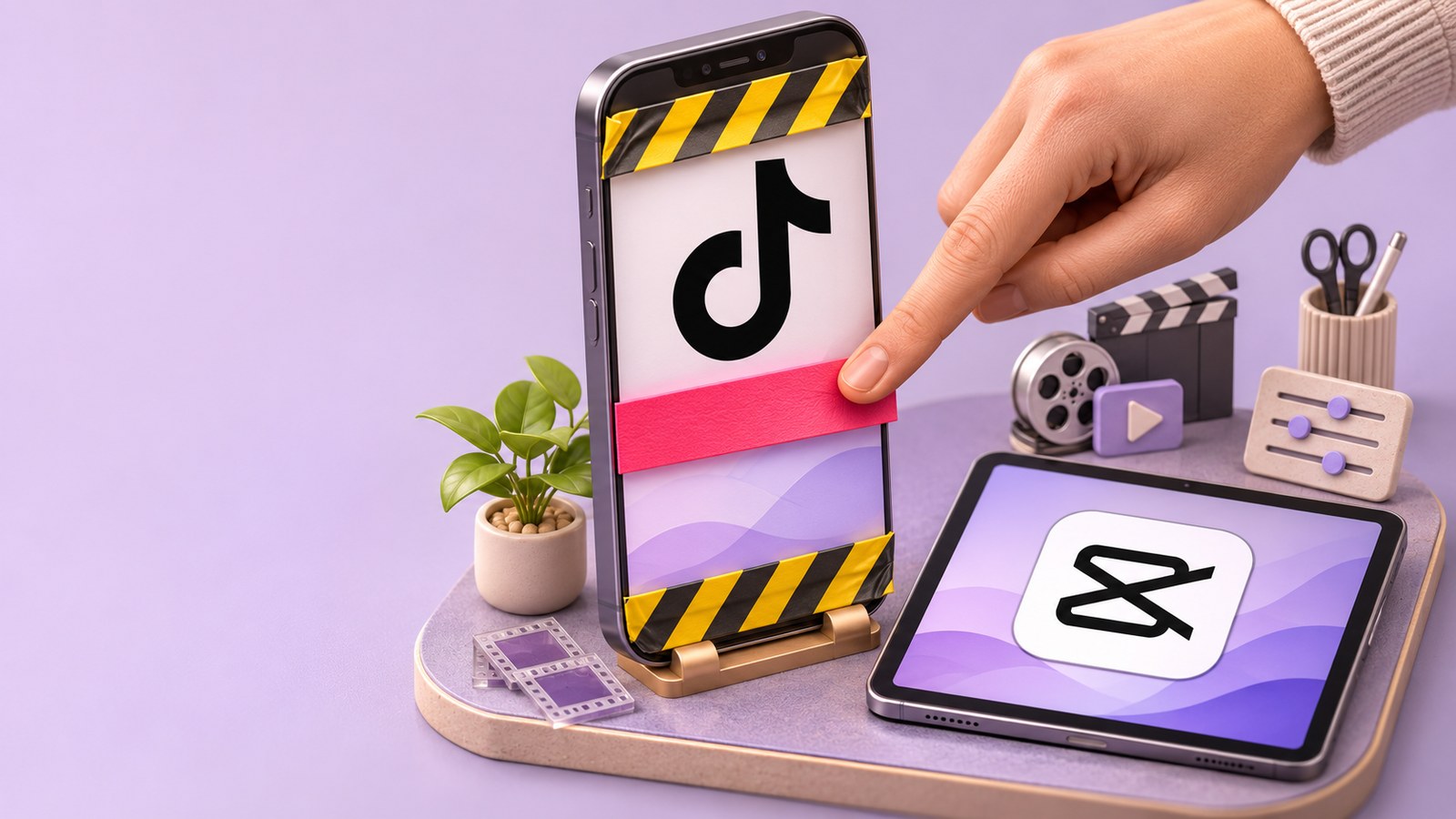
Keep the banner inside a box 660 px wide and 960 px tall, starting 120 px from the left edge and 288 px down from the top of a 1080 × 1920 frame, and no button in TikTok, Reels or Shorts will sit on top of it. That box is the overlap of the safe-zone templates the three platforms publish themselves. It matters because Prime Oracles places brand banners inside short videos and charges only for verified views: the banner task open today pays $0.20 per 1,000 verified views, and you can take a banner task on Prime Oracles with footage you already have.
Key takeaways
- One box works on all three apps: 660 px wide and 960 px tall, 288 px down from the top and 120 px in from the left of a 1080 × 1920 frame.
- TikTok's template clears 240 px at the top, 660 px at the bottom and 120 px at each side, plus a button column on the right below the 840 px line. Meta asks for 14% of the top, 35% of the bottom and 6% of each side of a Reels frame.
- The edit itself is four taps in CapCut. Claims get rejected for placement, audio and labelling instead.
Where do you put a banner so the app doesn't cover it?
Each app paints its own interface over your video: caption and profile name along the bottom, the like-comment-share column down the right, search and sound rows at the top. None of the three publishes a pixel box for ordinary posts — what they publish are safe-zone templates for ads, and those templates dodge the very same interface. Here is what the three files measure, converted to a 1080 × 1920 frame.
| Platform | Clear at the top | Clear at the bottom | Clear on the left | Clear on the right |
|---|---|---|---|---|
| TikTok, in-feed template | 240 px | 660 px | 120 px | 120 px, and 300 px below the 840 px line |
| Reels, Meta design guidance | 269 px, or 14% | 672 px, or 35% | 65 px, or 6% | 65 px, or 6% |
| YouTube vertical, Google overlay | 288 px | 672 px | 48 px | 192 px |
| All three at once | 288 px | 672 px | 120 px | 300 px |
TikTok ships its zone as a template file rather than a list of numbers, drawn on a 720 × 1280 grid marked 160 px at the top, 440 px at the bottom and 80 px at each side — which is what scales into the row above. It also warns that the zone shrinks as your caption grows.
Take the strictest edge of every column and one rule survives all three apps: start 15% down from the top, finish 35% up from the bottom, stay 11% in from the left and 28% in from the right. That middle band is about a third of the frame, and it is where the eye already is.
How to add a banner in CapCut on a phone
- Open CapCut, tap New project, pick your video, tap Add.
- Tap Overlay, then Add overlay, and choose the banner file from the task materials.
- Pinch to size it and drag it into the middle band, slightly left of centre so the button column misses it.
- Drag the ends of the overlay layer on the timeline to set how long it shows.
- Tap the resolution button, set 1080p and 9:16, then Export.
CapCut's own guide describes the same path: tap "Overlay," select the video or image you want layered, then tap "Add overlay," and adjust it with your fingers.
How to do it in CapCut on a computer
Click New project and Import, drag the video onto the timeline, then bring the banner in from Device, Spaces or Brand assets and drop it on the track above. Resize it in the player by moving the points on the corners, trim the clip to the seconds you need, and export at 1080 × 1920.
The desktop version earns its keep with one trick: put a safe-zone template on the top track at low opacity, line the banner up inside the clear window, then delete that layer before exporting. TikTok's template sits on its in-feed ads help page, Google's on its video ad specs page.
How many seconds should the banner stay on screen?
Long enough to read, late enough not to kill the hook. TikTok's creative guidance says to land your proposition in the first 3 seconds, keep the hook inside the first 6, and show 5 to 10 words per second of text. By that measure a six-word banner is legible in about a second — a floor, not a target. Three to five seconds, once the hook has landed, is what reads on a phone.
Paid tasks usually set the timing for you. The open Prime Oracles banner campaign asks for one banner in the middle of a video under a minute, then a repeat every minute: 90 seconds means twice. Its banner is a ready-made clip with its own sound, so your own footage freezes or goes silent while it plays, and nothing covers it. Two soundtracks at once is an automatic fail.
Do you have to label the video as an ad?
Yes, and that label is separate from the banner.
- TikTok: switch on commercial content disclosure when you post and pick "Branded content"; the post carries a "Paid partnership" label. Undisclosed commercial content may not be eligible for the For You feed, while disclosing it changes nothing — TikTok compared nearly 2 million videos and found no performance difference.
- Instagram and Facebook: use the paid partnership label in Creator tools and controls to tag the brand, which the brand then confirms.
- YouTube: tick "Yes, my video includes branded content" in video details. The disclosure appears at the start of the video, Shorts included.
The FTC goes further than any switch: put the disclosure where it is "hard to miss", inside the video rather than only in the description, and "don't assume that a platform's disclosure tool is good enough". A short line of text beside the banner covers it.
What it pays and how to submit it
The live banner campaign pays $0.20 per 1,000 verified views, with a minimum payout of $1 at 5,000 views and a ceiling of $80 per video. Banner campaigns on the platform have priced between $0.05 and $0.20 per 1,000.
| Views on your video | What the banner pays |
|---|---|
| 5,000 | $1, the minimum payout |
| 50,000 | $10 |
| 100,000 | $20 |
| 400,000 | $80, the per-video ceiling |
Open the banner task on Prime Oracles in Content rewards, press Claim task, download the banner from the materials link, then post the video and submit its link. Views are read from the post itself, so the edit has to match the card before you publish. Across the platform, 49,937 creators have together earned $50,212 on 370.8 M views.
Why banner claims get rejected
- The banner is in the frame but under the caption or behind the button column.
- Your own audio runs under a banner clip that has its own sound.
- The banner is cropped, sped up or cut short instead of playing in full.
- The video is horizontal, under 30 seconds or below 720p when the card asks for 9:16 and a minimum length.
- The required link is missing from the profile bio, or the content around the banner is shock material or quotes earnings that aren't your own.
- Film and TV footage, where a card allows it at all, is paid at a reduced rate — half in the open campaign.
If you are the brand, not the creator
The same box is where your banner survives on hundreds of other people's accounts, and nobody has to shoot anything for you: you supply a banner file and a page of rules, then pay per 1,000 verified views instead of per video, so a clip nobody watches costs nothing. The rate, budget, minimum and ceiling are yours to set when you create a banner campaign, and our guide to banner ads in short videos breaks down what those placements cost.
FAQ
Does putting a banner on my video cost me views?
The banner doesn't. Covering the first seconds does, which is why the hook comes first. TikTok's comparison of close to 2 million videos found no performance difference for properly disclosed branded content.
What size should the banner image be?
Build it for a 1080 × 1920 frame and keep it inside the box 660 px wide and 960 px tall. A strip roughly 900 px wide and 200 px tall, dropped into the middle band, clears every interface element on the three apps.
Can I do this in the free version of CapCut?
Yes — overlays, trimming and export are in the free app on phone and desktop. Watch the export settings instead: tasks commonly require 9:16 and at least 720p.
Do I need the paid partnership label for a banner task?
Treat it as yes. You are being paid to show someone's brand, which is what the platform switches and the FTC guidance describe.
How do I know the views were counted?
Payouts run on verified views read from the post, not on the number you report. Our guide on how payouts and verification work walks through the checks.
Start with one video
Take something you have already posted, drop the banner into the middle band, hold it for three to five seconds, label the post and submit it. At $0.20 per 1,000 views, a clip that reaches 100,000 views pays $20 for about four minutes of editing. The task is open now in Content rewards.