
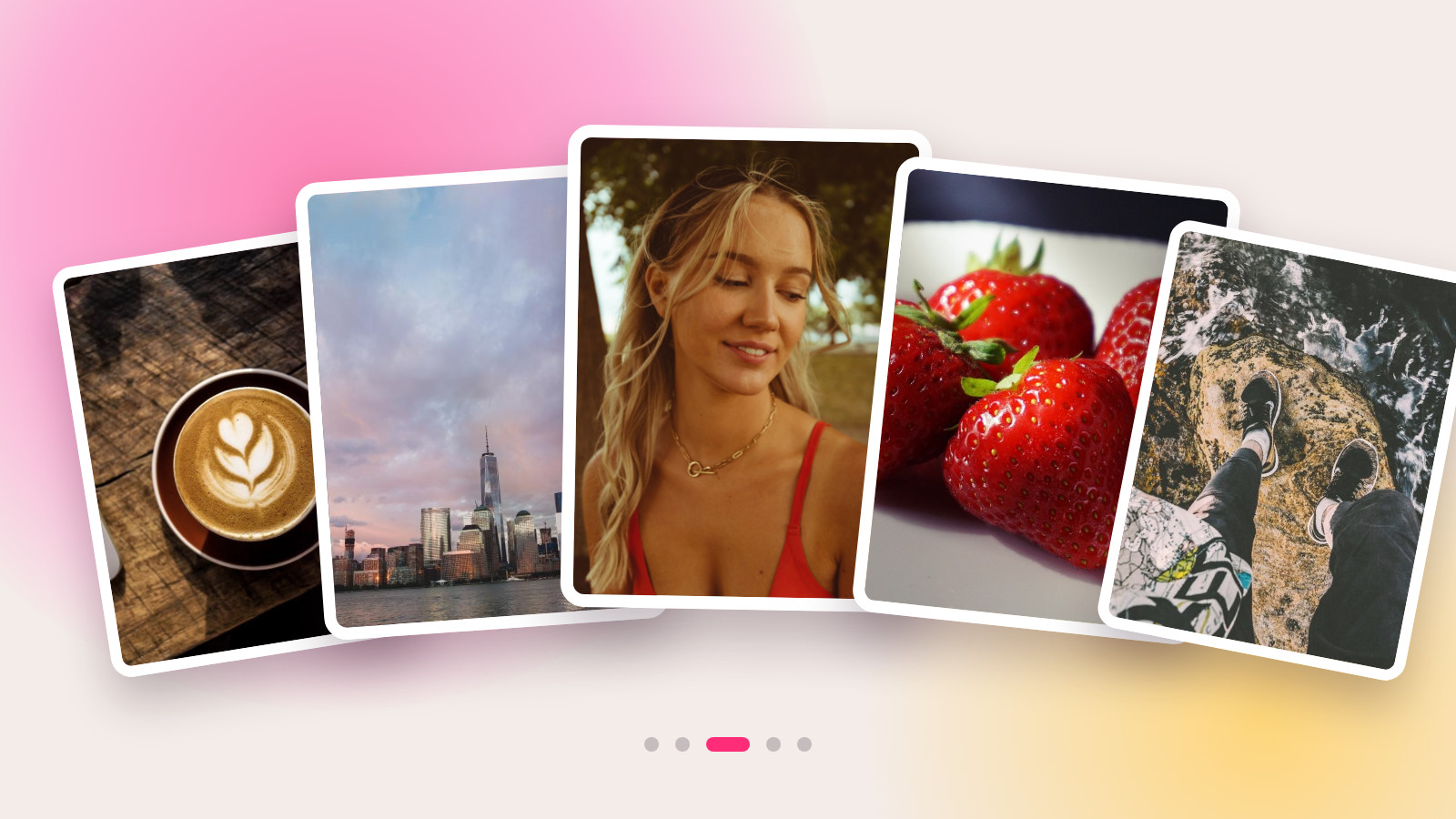
On October 7, 2026, Instagram added a carousel builder to Edits, its free editing app. Previously a video-only tool, Edits now lets you arrange photos and clips across multiple slides, add text using the same fonts you use in your Reels, and cut out your own custom stickers from any image. For creators, this means one thing: you can finally create carousels and Reels in the same app, with the same style, no subscription required, and without shuffling files between programs.
What's been added
Edits is Instagram's free app for vertical video, featuring a timeline, voice-overs, captions, and effects. It didn't handle carousels at all. Multi-slide posts had to be assembled in a third-party editor or within Instagram itself, where the only tools are a filter and a crop.
Now, the app has its own carousel mode. Instagram describes it this way: "Add photos and videos, experiment with layouts, use fonts and text styles, and create your own stickers."
The difference from creating a carousel inside Instagram is that this is a proper editor, not just a publishing screen. The slides exist on a single canvas, elements can move between them, and effects that were previously video-only can now be applied to photos.
Dan Moreno, a design engineer on the Edits team, explains: "Carousels are a powerful way to tell stories—you link photos and videos into something bigger."
What the carousel editor does
| Tool | What it means in practice |
|---|---|
| Layouts | Ready-made grids for placing your image, caption, and headline on each slide |
| Mixed photos and video | A photo and a short clip can be placed on adjacent slides in the same carousel |
| Fonts and text styles | The same ones you've already set up for your Reels in Edits |
| Saved settings | Fonts, colors, audio, and text styles can be pulled from your previous projects |
| Overlays and effects | Previously for video only, now available for photos too |
| Custom stickers | The cutout tool turns anything you isolate from a photo into a reusable sticker |
| Filters and adjustments | Color correction, scaling, and rotation, just like in the video editor |
| Slides | Add, duplicate, reorder |
| Cross-slide elements | A photo or headline continues from one slide to the next, like a magazine spread |
That last one is exactly what Instagram's native editor can't do. A wide image split across three slides reads like a panorama as you swipe; the same trick works with a headline that finishes on the next slide.
How to create one, step by step
- Open Edits and go to the Projects tab.
- Tap "+" and choose the carousel option.
- Upload your photos and clips—the order can be changed later.
- Choose a layout. If you want a spread, drag the image or headline past the edge of the slide to continue it onto the next one.
- Add text to the slides. The fonts and colors you already use in your videos are in your saved settings, so the carousel will match the style of the rest of your profile.
- Cut out a sticker if you need a recurring element like a logo, signature, or mascot. It gets saved and is available for future posts.
- Publish directly to Instagram from Edits or download the finished slides to upload elsewhere.
Step 7 is more important than it sounds: the download doesn't re-render anything, so the same set of slides can be posted on any other platform that supports multi-image posts.
Why the carousel is the low-cost format
A carousel doesn't require a shoot. Screenshots, a breakdown of someone else's video, a series of stills, a chart, a before-and-after—all of this can be assembled in an afternoon with what's already on your phone. When you're out of ideas for new videos, it's a way to stay visible in the feed.
Here's the data the platform leans on: according to a study by Buffer, carousel posts get about 12% more engagement per post on average than other formats. That's a third-party measurement, not from Instagram, so take it as a guideline, not a promise.
There's also a feed mechanic at play. Adam Mosseri, Head of Instagram, has explained that multiple slides give a post multiple chances to appear: if someone only swiped past the first few frames, the carousel might show up in their feed again later. A single image doesn't get that second pass.
What it offers a short-form video creator
Carousels don't replace Reels, but they handle three tasks that video struggles with.
Explaining a sequence. A seven-step tutorial in a video gets scrubbed through; in a carousel, the viewer sets the pace and can go back to the slide they need.
Showing data. A chart, a price list, or a before-and-after comparison is hard to read in a clip. As a slide, it's exactly the kind of content people save.
Maintaining a consistent look. Until now, videos came from Edits and carousels from another editor, and the branding would drift apart. Now, a single set of fonts and colors covers both formats.
Learn how to read your Reels analytics to find topics worth turning into carousels in our article on the AI assistant inside Edits.
What it offers a brand
For a brand, the carousel is a low-cost ad format for anything where video is overkill: a step-by-step unboxing, a response to a review, an explanation of a pricing plan, a collection of testimonials. The creator doesn't need a full day of shooting, which lowers the cost of the collaboration.
The cutout tool deserves a special mention. A sticker with the campaign's logo or branding can be placed on every slide from every creator on the brief—brand recognition is built faster this way than with captions.
Where it works
| Platform | Status |
|---|---|
| iOS | Available |
| Android | Promised, no date yet |
| Desktop | Meta showed a desktop version of Edits in June 2026; carousels have not been announced for it |
What's still unknown
- The maximum number of slides the editor supports—Instagram hasn't specified a number.
- When the Android version will arrive.
- Whether carousel mode has rolled out to all countries, as the release is gradual.
- Whether carousels will come to the desktop version of Edits.
Frequently Asked Questions
How do you make a carousel on Instagram?
The simple way is to select multiple photos when creating a post inside Instagram. The more polished way is to create the slides in Edits: it has layouts, fonts, stickers, and the option to stretch an image across multiple slides, and you can publish directly from there.
Is Edits free?
Yes, the app is free, and the carousel editor is free too. No separate subscription is needed.
Can you mix photos and video in the same carousel?
Yes. The editor lets you place a photo and a short clip on adjacent slides.
How do you make a custom sticker in Edits?
With the cutout tool: you isolate an object from a photo, it becomes a sticker, and it's saved for you to use in future posts.
Does the carousel editor work on Android?
Not yet. Instagram has promised an Android version, but without a release date.
Can I post a carousel made in Edits outside of Instagram?
Yes. The finished slides can be downloaded from the app without re-rendering, and you can post them wherever you want.
Related Reading
- How to Get More Views on Reels: The Edits AI Reads Your Analytics
- How to Create an AI Influencer: Higgsfield Inserts Them Into Existing Video
- Clipping for Brands in 2026: What 26 Industry Experts Say
The carousel is the right format when you need to explain something rather than just show it. And if you want to get paid for this type of post, on Prime Oracles, a brand sets up a brief using "Create Campaign," and a creator goes to the "Content Rewards" section, hits "Take Task," and gets paid for the views their content generates.