
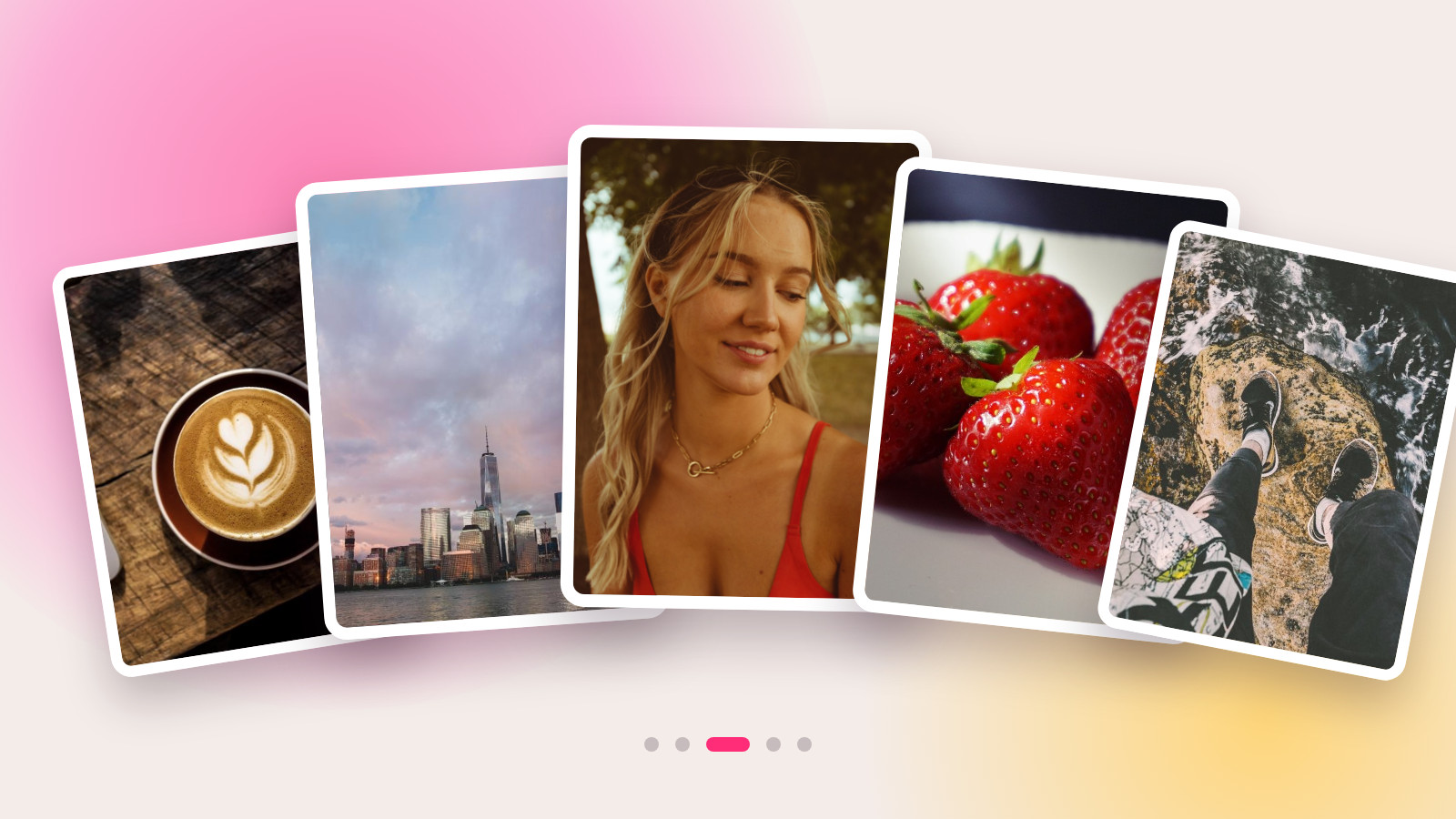
On October 7, 2026, Instagram added a carousel post builder to its free Edits app. What was once just a video editor now lets you arrange photos and videos into slides, add text using the same fonts as your Reels, and even cut out your own custom stickers. For creators, this means one thing: you can now build carousels and Reels in the same app, with a consistent style, no subscriptions, and no more file-shuffling between programs.
What's new in Edits
Edits is Instagram's free app for editing vertical videos, complete with a timeline, voiceovers, subtitles, and effects. Until October, it couldn't handle carousels at all—you had to assemble multi-slide posts in third-party editors or directly in Instagram, where your only tools were filters and cropping.
Now, the app has a dedicated carousel mode. The platform describes it like this: "Add photos and videos, experiment with layouts, use fonts and text styles, and create your own stickers."
The main difference from building a carousel inside Instagram itself is that this is a full-fledged editor, not just a publishing screen. Your slides are laid out on a single canvas, you can move elements between them, and effects that once only worked for video can now be applied to photos.
Dan Moreno, a design engineer on the Edits team, explains the vision: "Carousels are a powerful way to tell stories: you're connecting photos and videos into something bigger."
What the carousel editor can do
| Tool | What it means in practice |
|---|---|
| Layouts | Ready-made grids for your slides, defining where images, captions, and titles go |
| Mix photos and videos | A single carousel can feature both still images and short video clips |
| Fonts and text styles | The same ones you've already set up for your Reels in Edits |
| Saved kits | Fonts, colors, audio, and text styles carry over from previous projects |
| Overlays and effects | Overlays that previously only worked on video can now be applied to photos |
| Custom stickers | A cutout tool: cut an object from a photo to create a sticker you can use in other posts |
| Filters and adjustments | Color correction, scaling, rotation—just like in the app's video editor |
| Slides | Add, duplicate, and reorder slides |
| Elements spanning multiple slides | An image or headline can continue from one slide to the next, like a magazine spread |
The last point is something Instagram itself doesn't offer. A single long image cut into three slides reads as a continuous canvas when swiped; the same trick works with a headline where a phrase is completed on the next slide.
How to build a carousel: step-by-step
- Open Edits and go to the Projects tab.
- Tap '+' and select Carousel.
- Upload your photos and videos—you can change the order later.
- Choose a layout. If you want a multi-slide spread, stretch an image or headline beyond the slide's border.
- Add text to your slides. The fonts and colors you've used in your videos are in your saved kits, so your carousel will match your feed's style.
- Cut out a custom sticker if you need a recurring element like a logo, signature, or mascot. It will be saved and available for future posts.
- Publish directly to Instagram from Edits, or download the finished slides to post on other platforms.
Point 7 is key: exporting doesn't involve re-rendering or quality loss, meaning you can post the same set of slides on other social networks that support carousel posts.
Why carousels are a low-cost format
Carousels don't require filming. Screenshots, a breakdown of someone else's video, a collection of stills, a table of numbers, a "before → after"—all of this can be assembled in an evening from what's already on your phone. For a creator who's run out of ideas for shoots, it's a way to stay active in the feed.
The numbers cited by the platform: according to a study by Buffer, carousel posts get about 12% more engagement per post on average than other formats. This data comes from a third-party service, not Instagram itself, so treat it as a guideline, not a guarantee.
Then there's the feed mechanic itself. Instagram head Adam Mosseri has previously explained that multiple slides give a post multiple chances to appear in front of a user: if someone scrolls past the first few frames, the carousel might be shown to them again. A single image doesn't get this second chance.
What this means for short-form video creators
Carousels don't replace Reels, but they solve three problems that videos handle poorly.
Explaining step-by-step. A seven-step tutorial in a video gets scrolled past, but in a carousel, the reader sets their own pace and can go back to any slide.
Showing numbers. A table, a price list, or a "before and after" comparison is hard to read in a video. In a carousel, it's a dedicated slide that people can save.
Maintaining a consistent feed aesthetic. Before, Reels were made in Edits and carousels in a third-party editor, leading to mismatched fonts. Now, there's one set of fonts and colors for both formats.
We wrote about how to analyze your video stats to figure out which topics are even worth turning into a carousel in our article on the AI assistant in Edits.
What this means for brands
For a brand, a carousel is a low-cost ad format for tasks where a video would be overkill: a step-by-step product unboxing, a review breakdown, an explanation of a pricing plan, a collection of social proof. For a creator, a post like this doesn't require a full production day, which means the placement cost is lower.
The cutout tool is especially useful: a sticker created once with a logo or campaign branding can be placed on all slides by all creators, building brand recognition faster than text captions.
Where it works
| Platform | Status |
|---|---|
| iOS | Available |
| Android | Promised, but Instagram hasn't announced a date |
| Desktop | Meta showed a desktop version of Edits in June 2026, but carousels haven't been announced for it yet |
Russia: Instagram has been blocked in Russia since March 14, 2022. The Edits app itself is an editor that works without publishing to Instagram: you can download the assembled slides and post them wherever you normally publish.
What's still unknown
- The maximum number of slides the editor supports—the platform hasn't specified a number.
- When the Android version will be released.
- Whether the carousel mode is available in all countries yet; the update is rolling out gradually.
- If carousels will be added to the desktop version of Edits.
FAQ
How do I make an Instagram carousel?
The simple way is to select multiple photos right when creating a post in Instagram. For a more designed look, build your slides in the Edits app: it has layouts, fonts, stickers, and the ability to stretch an image across multiple slides, and you can publish directly from there.
Is Edits free?
Yes, the app is free, and so is the carousel editor. No separate subscription is required.
Can I mix photos and videos in one carousel?
Yes. The editor lets you place both a still image and a short video clip on adjacent slides.
How do I make a custom sticker in Edits?
With the cutout tool: you select an object in a photo, it becomes a sticker and is saved. You can then use it in other posts.
Does the carousel editor work on Android?
Not yet. Instagram has promised an Android version for later but hasn't given a date.
Can I post a carousel I made somewhere other than Instagram?
Yes, the finished slides can be downloaded from the app without re-exporting, and you can then publish them wherever you want.
Read more
- How to Grow on Reels: The Edits AI Analyzes Your Stats
- Free AI Video Generator: GigaChat Creates Full HD Videos with Audio
- How to Create an AI Influencer: Higgsfield Inserts a Character into Any Video
Carousels are a handy format when you need to explain, not just show. If you want these posts to earn you money, on Prime Oracles a brand can post a brief via "Create Campaign," and a creator can go to the "Content Rewards" section, hit "Accept Task," and get paid for their content's views.