
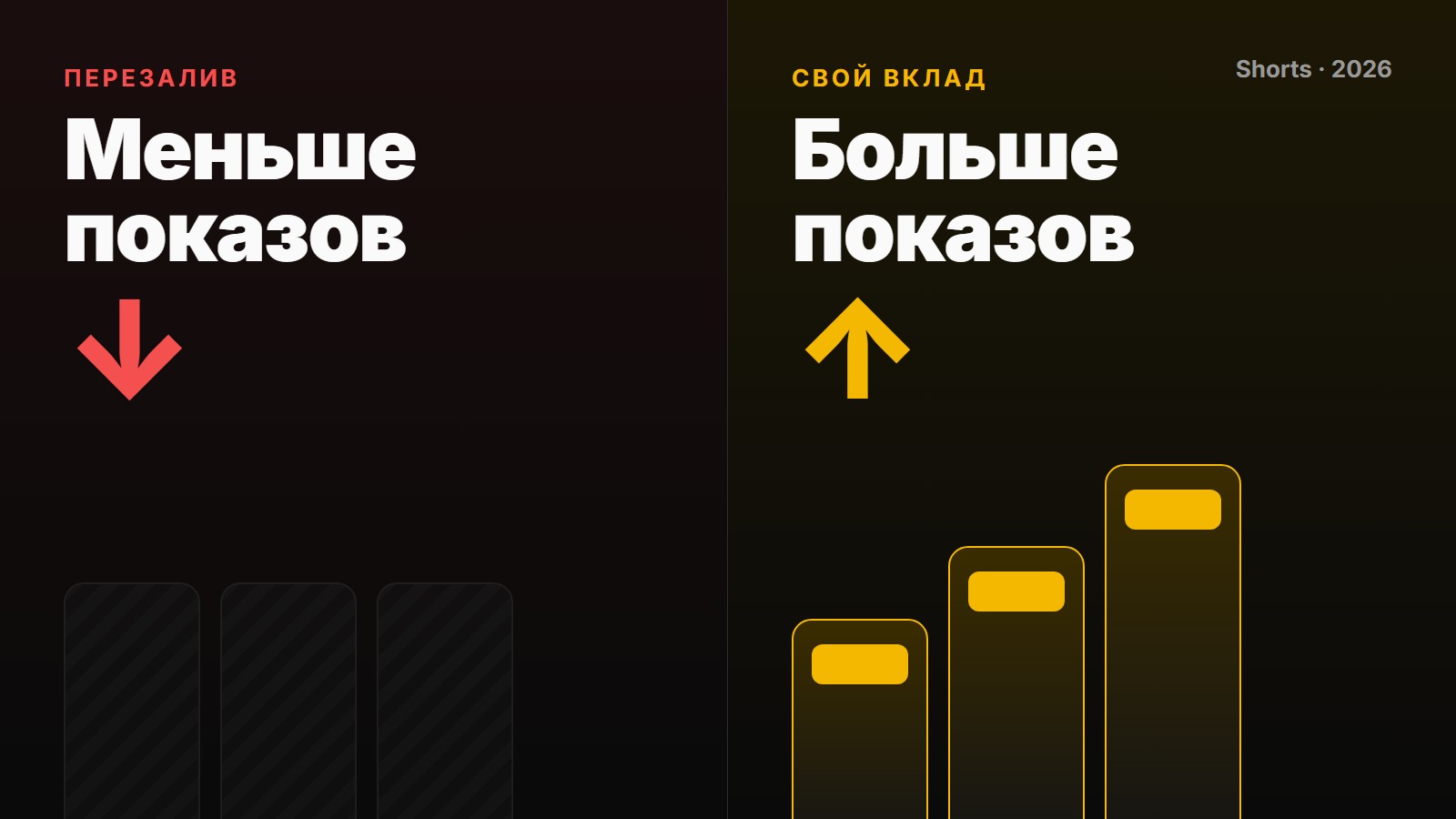
On October 1, 2026, YouTube announced a change to its Shorts recommendations: channels that primarily re-upload other people's videos will have their reach cut. For clippers, this is a game-changing update, as it affects not just single videos but entire channels. We'll break down what YouTube actually said, what no longer counts as original, and how to adapt your workflow so your clips keep getting views.
What YouTube Announced
The YouTube team wrote in its official support community that it is updating its recommendation systems to more aggressively promote original content and suppress the reach of videos reuploaded from other creators without transformative input.
Here are the key details:
- The policy evaluates channels, not individual videos. It targets channels that "primarily" consist of content compiled or reuploaded from other creators without significant changes. A single unoriginal clip on a channel otherwise filled with your own work is not the focus.
- There's no specific threshold. YouTube hasn't specified what percentage of reuploads counts as "primarily" or over what period.
- The changes only affect reach. The announcement doesn't mention monetization. However, reuploads were already ineligible for the YouTube Partner Program and didn't count toward the Shorts ad revenue share—now their reach is being cut, too.
- There will be no warnings. You won't get a notification or see a flag in YouTube Studio. The channel will simply start getting fewer impressions.
- Clipping other people's content is still allowed—as long as you add your own value.
What Doesn't Make a Video Original
According to YouTube and its creator liaison Rene Ritchie, the following are not enough:
| What Clippers Do | Why It Doesn't Work |
|---|---|
| Cropping, mirroring, speeding up, adding filters | These are superficial technical edits. YouTube explicitly classifies attempts to trick its content recognition system as spam. |
| A voiceover that merely narrates the on-screen action | Narration adds no new value to the original content. |
| Using the same template on all videos | YouTube doesn't consider mass-produced, cookie-cutter changes a creative contribution. |
| Simply adding subtitles over another creator's video | This doesn't transform the original content. |
| Placing a banner or frame over someone else's video | The core content of the video remains unchanged. |
What Makes a Video Original
YouTube highlights three elements: your own commentary, distinctive editing, and a unique narrative. In practice, this means the viewer must get something from your clip that they can't get from the source video.
In Practice: The "Two-Layer" Rule for Every Clip
We've distilled YouTube's requirements into a practical framework. Every clip should have at least two of the following four layers.
Layer 1: Your Hook
The first 2–3 seconds shouldn't be the start of the original clip, but your own hook explaining why it's worth watching. Use on-screen text or a voiceover. For example: "Here's the moment a streamer lost 300 viewers," or "The most expensive fail on the show—watch their reaction."
Layer 2: Your Commentary
Not a recap, but your opinion, explanation, or reaction. Three simple formats:
- Picture-in-picture reaction. Your face in a corner or at the top, with the original video below.
- Freeze-frame breakdown. Pause the video at a key moment to explain what happened and why it's important.
- A concluding takeaway. A couple of sentences from you explaining what it means, what you disagree with, or how it all ended.
Layer 3: Your Edit
An edit that isn't in the original: splicing two or three moments from different parts of the source video into a single story; showing the outcome first, then how it happened; zooming in on important details. A simple start-to-finish trim does not count as editing.
Layer 4: Your Context
Information the viewer lacks: what happened before this moment, who these people are, how it ended, or the numbers behind the story. Add it with a caption, an overlay, or a voiceover.
A straight reupload has zero layers. A clip with your hook and a takeaway has two layers. That's enough to make the clip yours, not just a copy.
What to Do with Your Channel
Since YouTube evaluates the entire channel, a single "correct" video isn't enough.
- Diversify your channel with original content. Create compilations with your own rankings, breakdowns, opinion pieces, or first-person videos. YouTube hasn't given a threshold, but the more videos with your own contribution, the safer you'll be.
- Avoid mass-producing templated clips. Ten identically formatted clips a day signals mass production, which YouTube specifically calls out as spam. It's better to post three clips with commentary than ten without.
- Audit your old videos. If half your channel consists of straight reuploads, your new, commentary-filled videos will only gradually change the overall picture. It's unknown how quickly YouTube re-evaluates a channel's standing.
- Work with the creator's permission. Official clipping programs and briefs from rights holders solve copyright issues. But the algorithm can't see permission—you still need to add your own creative input.
- Don't put all your eggs in one basket. TikTok and Instagram introduced similar rules some time ago. On the other hand, "VK Video" is currently a boon for smaller creators: after a recent recommendation update, their views increased by 20%.
How to Speed Up Your Workflow
Adding commentary to every clip sounds like double the work, but you can streamline the process:
- Prepare three or four formats—like a picture-in-picture reaction, a freeze-frame, or a "top 3 with a takeaway"—and rotate between them. This isn't a "template" in YouTube's eyes because the substance changes, not just the presentation.
- Use AI to generate drafts. An AI can analyze a video transcript and suggest key moments, hooks, and angles for commentary. You just have to choose the best ones and put them into your own words. We showed how to do this in our breakdown of Claude's capabilities for clipping.
- Test your clip with one question: "What will the viewer get from my video that they can't get from the original?" If there's no answer, you don't have enough layers.
Pre-Publish Checklist
- The first three seconds feature my hook.
- The video includes my commentary, takeaway, or reaction—not just a recap.
- The edit is transformative, not just a simple trim.
- There are no third-party logos or watermarks from other platforms.
- Over the past week, I've posted videos in various formats, not just using one template.
- The brief's requirements are met: hashtag, mention, length.
What YouTube Hasn't Explained Yet
- The exact date the changes take full effect.
- The specific percentage of reuploads that makes a channel "primarily reuploading."
- How to know if your channel's reach has been throttled and how quickly that status can be reversed.
- What will happen to brands that create Shorts by clipping their own long-form videos.
We're monitoring for clarifications and will update this article as we learn more.
Frequently Asked Questions
Can I still make clips for Shorts?
Yes. YouTube explicitly states that you can use clips from others as long as you add your own commentary, editing, or narrative.
Is it enough to add subtitles or change the framing?
No. YouTube does not consider minor technical edits or templated changes to be original or transformative.
Will one video be penalized, or the whole channel?
The entire channel, if it primarily consists of reuploads. A single unoriginal clip on an otherwise original channel won't be affected by this rule.
Does this affect earnings?
YouTube's announcement only directly mentions reach. But fewer impressions mean fewer views, which translates to lower payouts from CPV rewards.
What if I have a brief with CPV rewards for clips?
That's even more reason to add transformative value: a video that YouTube's algorithm doesn't promote won't get views and won't earn rewards. While you're at it, read up on how to check for restrictions on TikTok, as its rules are similar.
A Tip from Prime Oracles: Make Your Content Unique with Substance, Not Software
The old advice to "uniquify your video" still holds true, but its meaning has fundamentally changed.
What no longer works is technical "uniquification": mirroring, speeding up by 5%, adding a filter, a frame, shifting the crop, or using "uniqueness" software. YouTube doesn't just see this as a lack of contribution—it classifies these techniques as attempts to evade content recognition, which is a violation of its spam policies.
What works is creating uniqueness through substance: your hook, your commentary, your transformative edit, and your context. A video is unique not when the algorithm fails to recognize the source, but when the viewer gets something new from you.
A simple rule for anyone taking on clipping briefs: before hitting "Publish," add at least two of your own layers to the video. This will ensure your clips continue to surface in recommendations and that your views convert into payouts.
Find clipping and UGC briefs with CPV rewards in the "Content Rewards" section on the Prime Oracles hub.