
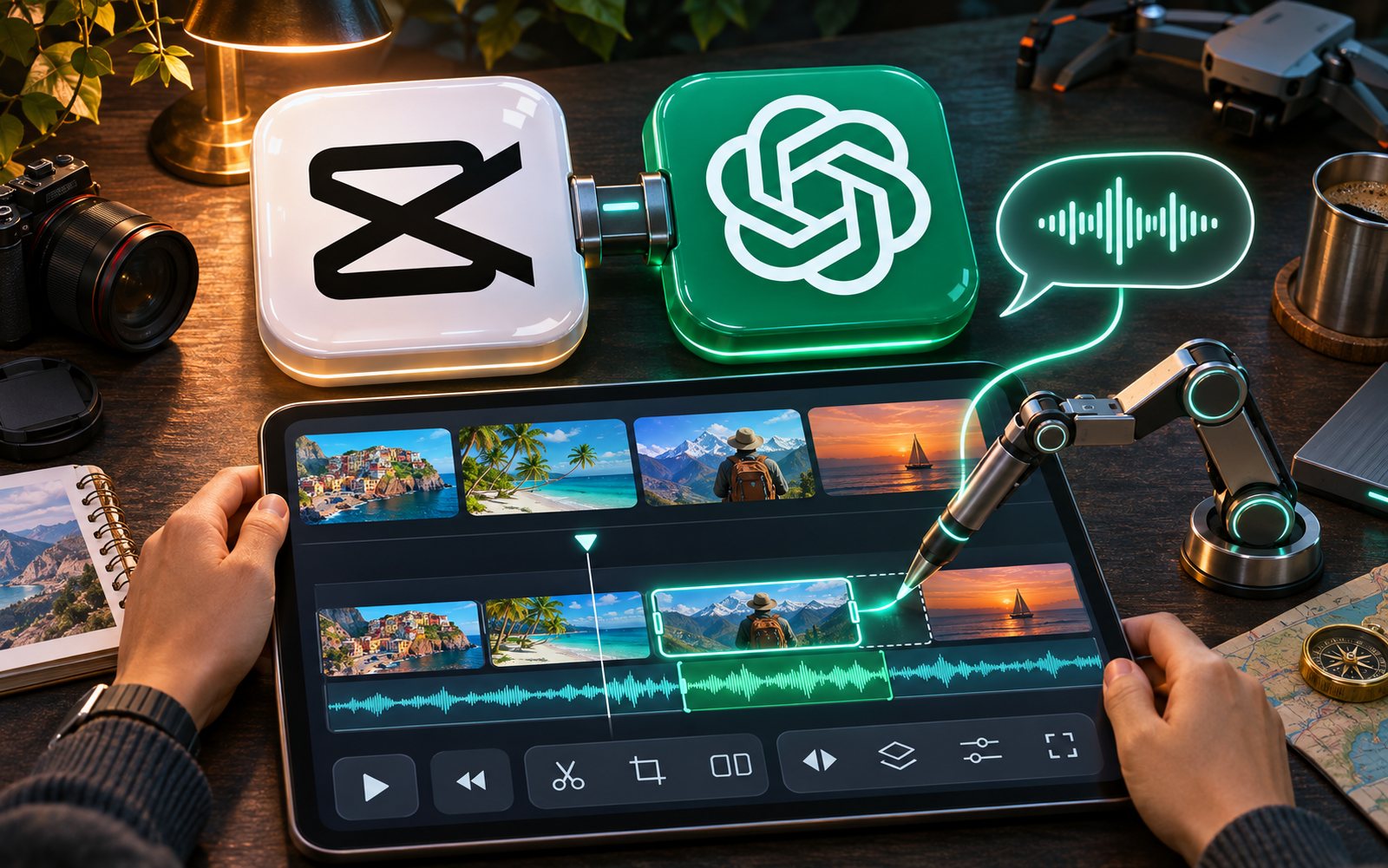
CapCut, the go-to editor for seemingly every short-form video creator, will soon accept edits in plain English and is coming to ChatGPT as a dedicated plugin. The features were demoed on October 24, 2026, at the first-ever CapCut World conference in Los Angeles, with the company sharing more details in its newsroom on October 27. Let's break down what’s already live, what’s promised “in the coming months,” and how this changes the game for video production speed.
What Exactly Was Announced
According to CapCut, the conference was attended by over 300 creators and partners. The company describes the editor's reach: over 700 million monthly users across 170+ markets and 30 languages.
| Feature | Where It Works | Availability |
|---|---|---|
| EditPilot: edits in plain language | CapCut for desktop | Update shown at the conference |
| Plugin for ChatGPT | Inside ChatGPT, with fine-tuning in the web editor | “In the coming months” |
| Interactive Edit, AI Extend, Intelligent Audio | Web editor | Part of the web version update |
| AI Lab: conversational video assembly | Mobile app | Shown at the conference |
| Full agent mode | Desktop, web, mobile | Pilot “in the coming months” |
| AI origin check for files | File upload | Pilot |
| Skills Marketplace: sharing techniques | Web version | Launching |
EditPilot: Describe Your Edits in Words
EditPilot is an AI agent in CapCut for desktop that sits alongside the timeline. It actually appeared in the desktop version earlier: according to CapCut's help documentation, you can already give it commands like “turn this 12-minute tutorial into a 90-second clip” or “remove repetitions and tighten the pacing,” and then manually tweak the result.
Now, in the company's own words, the updated EditPilot lets you describe edits in plain language, allowing it to handle complex or repetitive tasks on the timeline. The example shown at the conference was recoloring a single object in a frame without affecting the rest of the shot.
In other words, the agent isn't aiming to “build me a video from scratch” but to take on the tedious part of the job—the grunt work that can make editing a single video an evening-long affair.
ChatGPT Plugin: Draft Videos Right From Your Chat
The second major announcement is a CapCut plugin for ChatGPT. The workflow is simple: you discuss an idea in the chat, CapCut assembles a first draft based on it, you continue to edit it conversationally, and then you do the final polish in the CapCut web editor.
A key detail: any manual edits you make aren't lost. According to Mashable, which saw the on-stage demo, ChatGPT adds your manual changes to the project's context, so your next request in the chat builds on the current state of the edit. During the demonstration, the publication reported that clips from a sports match were uploaded, and the AI was asked to create a 12-second highlight reel, followed by a separate request to add on-screen text.
The plugin isn't available yet. CapCut says it's coming “in the coming months” but hasn't specified the price, which ChatGPT tiers it will be available on, or the countries where it will initially roll out.
A Note on Regional Availability
A disclaimer for our readers: the plugin lives inside ChatGPT, and Russia and Belarus are not on the list of countries served by OpenAI, though Kazakhstan is. For a portion of our audience, this means the news is more about what's possible in other markets, while they'll have to work with the features available directly within CapCut. If you're already using chat for scripts and captions, we have a breakdown of its latest updates: what GPT-6 in the free version of ChatGPT offers creators.
Web Editor and Mobile
The web version of CapCut is getting its own update, promising faster editing, in-browser generation of images, videos, and audio, and a unified asset library to make AI-generated assets available across devices and projects. Three key features are coming to the web editor.
Interactive Edit
Select an area directly in the preview window and tell the AI what to do with it, instead of having to rebuild the entire scene.
AI Extend
Extends a frame or scene when you run out of source footage—a classic case of needing another half-second at the end when the recording has already stopped.
Intelligent Audio
Smart audio manipulation. CapCut did not detail in its announcement what exactly this includes.
On mobile, an AI Lab is being introduced. CapCut describes it as a conversational space where you can discuss an idea and turn photos and clips into a finished project, like a vlog or a weekly recap, and then open it in the standard multi-track editor.
The company is calling the full agent mode—where the AI guides a creator from idea to final edits—a pilot program. It will roll out “in the coming months” on desktop, web, and mobile.
AI Detection: Only for Its Own Services
CapCut also specifically addressed labeling. The company listed what it already uses: AI labels, Content Credentials based on the C2PA standard, and invisible watermarks. Plus, a new pilot tool: you can upload a file to see if it was created using AI tools from CapCut, Dreamina, Pippit, or Hypic.
This isn't a universal AI detector—it only recognizes content from the company's own four services. But for creators, it's another reminder that the AI origin of a video is no longer a secret. Platforms are adding their own labels, as we've discussed in our piece on whether Instagram throttles reach for AI videos. At the same time, AI in editing has long become the norm: according to a YouTube report, 72% of creators have already tried inserting themselves into videos using AI.
Skills Marketplace: Techniques as a Commodity
The third part of the announcement is the Skills Marketplace in the web version. Here, creators can share their visual styles, techniques, and workflows for others to use, modify, and remix. CapCut mentions potential rewards, meaning money isn't guaranteed, but the opportunity is there.
The company also launched a Visual Creator Program for those working with graphics, animation, visual design, and AI prompts. This is an extension of its existing Creator Partner Program, which, according to CapCut, currently includes over 500 creators worldwide. Benefits include tutorials, early access to AI features, promotion on the company's platforms, and potential brand contracts.
What Creators and Brands Should Do
If you're a clipper or a UGC creator, the bottleneck is almost always the same: editing. Here’s what you can apply from this news right now:
- Try EditPilot in the desktop version. It exists today, not just promised “in the coming months.” A real-world test would be to offload the boring stuff to it: cutting out pauses, creating a rough cut from a long recording, or making a second version of a video for a different platform.
- Don't wait for the plugin to start working with text. You can write scripts, hooks, and caption variations in a chat today and edit manually. The plugin will streamline the transfer, but it won't come up with the idea for you.
- Organize your source files so the agent can access them. The shared library and web editor are only useful if your files are in one place and properly labeled.
- Don't count the hours saved; count the output. If the agent saves you two hours per video, the only question is: how many more videos can you deliver per day? In clipping and UGC, you get paid for volume and views.
- For brands: the cheaper the editing, the more variations of a single video you can test. This is exactly what CPV (cost-per-view) briefs are designed for.
- Keep the labels in mind. If a video is assembled with CapCut's AI tools, its origin can be read from the file. For a branded brief, this is something that should be discussed in advance.
Competitors are heading in the same direction: Instagram's Edits app recently added new fonts, sounds, and 13 text animations. Free editors are competing primarily on speed of assembly.
What's Still Unknown
- Price: CapCut hasn't announced pricing for either EditPilot or the plugin.
- ChatGPT Tiers: It's not specified which subscription plans the plugin will work on.
- Countries: The initial launch markets have not been announced.
- Timeline: “In the coming months” is the only timeframe given; there's no specific date.
- Agent Limitations: It's unclear from the announcement what its capabilities will be on long timelines or how many edits it can handle.
Frequently Asked Questions
What is EditPilot in CapCut?
An AI agent in the desktop version: you describe the desired edit in plain language, it performs the task on the timeline, and you review and finalize the result manually.
Can you edit video with AI inside ChatGPT?
Not yet. The CapCut plugin has been announced but not released—the company promises it “in the coming months.”
How much will it cost?
No price has been announced for either EditPilot or the plugin.
Will it work in Russia?
CapCut has not named the launch countries. It's also worth noting that Russia and Belarus are not on the list of countries served by OpenAI, while Kazakhstan is.
Will platforms know if a video was made with AI?
If it was created in CapCut, Dreamina, Pippit, or Hypic, then yes. The company uses AI labels, C2PA Content Credentials, and invisible watermarks, and is now piloting a file-check-on-upload tool.
Read More on This Topic
- How to Insert Yourself into a Video with AI: YouTube Report Finds 72% of Creators Have Tried It
- Does Instagram Throttle Reach for AI Videos? Mosseri's Answer and AI Labels
- How to Make a Halloween Video: Edits Adds New Fonts, Sounds, and 13 Animations
Editing is getting cheaper, and the winner is whoever can produce more videos. On Prime Oracles, a brand posts a brief via “Create Campaign,” and a creator goes to the “Content Rewards” section, clicks “Accept Task,” and gets paid for views.