
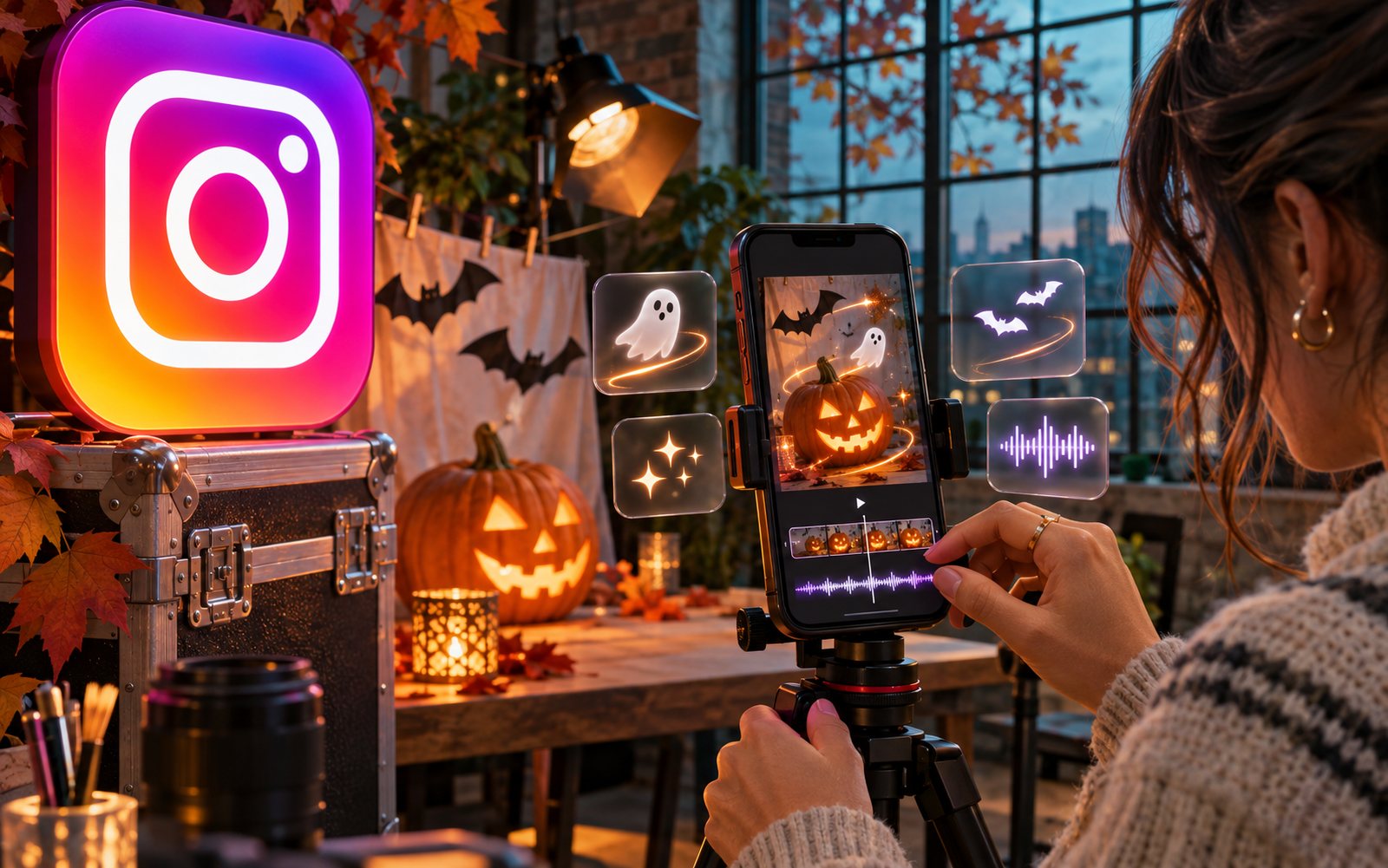
On October 27, 2026, Meta updated Edits—Instagram's free app for editing vertical videos. Just in time for Halloween, it's gained themed fonts, sound effects, and 13 new text animations, along with effects that automatically sync to your music, bulk caption editing, and a carousel editor for Android. With just a couple of days left until October 31, this is the fastest free way to whip up a spooky video on your phone.
What's New for Halloween
The festive part of the update includes three new features, all built right into the editor—no separate downloads needed.
Fonts and Sounds
The text library now includes Halloween fonts—think classic spooky styles with drips and jagged edges. The app's sound library has been updated with themed effects like creaks, howls, and rustles. These are standard audio clips you can layer over your track; they don't replace your music.
13 New Text Animations
This is the update's headline feature. Text animation controls how a caption appears and disappears from the frame: flying in, shaking, or materializing letter by letter. Edits now has 13 more of these options, all designed for seasonal flair—perfect for titles, captions, and credits.
For short-form video, this isn't just decoration; it's a retention tool. The first two seconds of a video determine whether viewers will watch or scroll past, and a moving caption at the start is a more effective hook than a static one.
Effects That Sync to the Beat
The second part of the update isn't Halloween-specific. Edits has introduced effects that synchronize with your audio: flashing lights and camera zooms now automatically match the beat of the music and sounds in your clip.
Previously, syncing to the beat was a manual process: you’d listen to the track, place markers on the timeline, and cut your frames accordingly. Now, the app calculates the rhythm for you. This is a huge time-saver for anyone creating montages and edits set to a specific track, where the entire effect hinges on the edit matching the music.
Captions: Bulk Editing
The subtitles block has been overhauled with an updated design and bulk editing. Simply put, you can now change the style of all your captions at once, instead of one by one. If you release videos with subtitles (which applies to almost anyone whose content is watched with the sound off), this eliminates the most tedious part of the editing process.
According to Social Media Today, the same update also introduced automatic color and brightness correction—which balances out frames—and the ability to boost the volume of an individual clip within a project to 150%.
Carousels Are Now Live on Android
The carousel editor, which Instagram launched in Edits in early October, was previously only available on iPhone. Now, it's rolling out on Android: you can find it on the projects page or in the Labs tab.
For the many regions where Android is the dominant platform, this is a bigger deal than the Halloween fonts, as many Edits features have historically arrived on Android with a delay. We broke down how the carousel editor works in a separate guide.
Filter with Ayra Starr
The update also adds an exclusive filter created in collaboration with Nigerian singer Ayra Starr. This is a one-off collaboration and is not related to Halloween.
| What was added | What it means in practice | Where to find it |
|---|---|---|
| Halloween fonts | Themed styles for titles and captions | Text library |
| Halloween sounds | Creaks, howls, and other effects to layer over your audio | Sound library |
| 13 text animations | New ways for text to enter and exit the frame | Text settings |
| Beat-synced effects | Flashing and zooming automatically match the music | Effects |
| Bulk caption editing | Style changes apply to all captions at once | Subtitles |
| Color and brightness correction | Frames are automatically balanced with each other | Clip editing |
| Volume up to 150% | An individual clip can be made louder than the rest | Clip audio |
| Carousel editor | Build a carousel post from photos and frames | Projects page or Labs tab |
| Ayra Starr filter | One new filter from the singer | Filters |
What Creators Should Do Two Days Before the Holiday
- Update the app. The Halloween assets come with the update; they won't be in the old version.
- Use what you've already shot. The quickest video for October 31 is not a new shoot, but old material with a new look: font, sound, and title animation.
- Put a text animation in the first second. A moving caption is a powerful hook and the best reason to try this update.
- Make one beat-synced video to see how it works. Pick a track, enable a synchronized effect, and don't touch the timeline—testing it out will only take five minutes.
- See what people are searching for this holiday and tailor your caption to their query. We've compiled the top 25 costumes and video ideas for Halloween 2026.
- If you run a brand account, post today or tomorrow. By November 1, no one will be watching Halloween content.
What's Still Unknown
- How long the holiday fonts and sounds will stick around. Meta hasn't said whether they'll be removed from the library after October 31.
- When the carousel editor will reach all Android phones. The announcement just says it's "rolling out," with no timeline or specific countries mentioned.
- Whether the beat-sync effects work with any music or only with tracks from the app's library—the platform didn't specify.
Frequently Asked Questions
How can I make a Halloween video for free?
By putting it together in Edits. The app is free, and the Halloween fonts, sounds, and text animations are included in the October 27, 2026 update and don't require a subscription.
Where are the Halloween fonts in Edits?
In the text library, along with the other styles. If you don't see them, update the app through your device's app store, as the holiday assets only arrive with the new version.
How many new text animations were added to Edits?
Thirteen. These are options for how text appears and disappears from the frame, designed for seasonal flair.
Does Edits work on Android?
Yes. The app has long been available on Android, and with this update, the carousel editor is also rolling out to it. You can find it on the projects page or in the Labs tab.
What are beat-sync effects in Edits?
These are flashing lights and camera zooms that the app automatically adjusts to the rhythm of the music and sounds in your clip, so you don't have to set markers on the timeline manually.
Read More
- Halloween 2026 Trends: Top 25 Costumes from Google and Video Ideas
- How to Make a Carousel in Instagram: Edits Now Builds Them for Free
- How to Film a Trending Reel: Instagram Camera Template and 50 Effects in Edits
A holiday video is relevant for a week, but the skill of quickly creating on-demand video content lasts forever. On Prime Oracles, brands post a brief via "Create Campaign," and creators accept it in the "Content Rewards" section by clicking "Accept Task" to get paid per view (CPV) for their videos.