
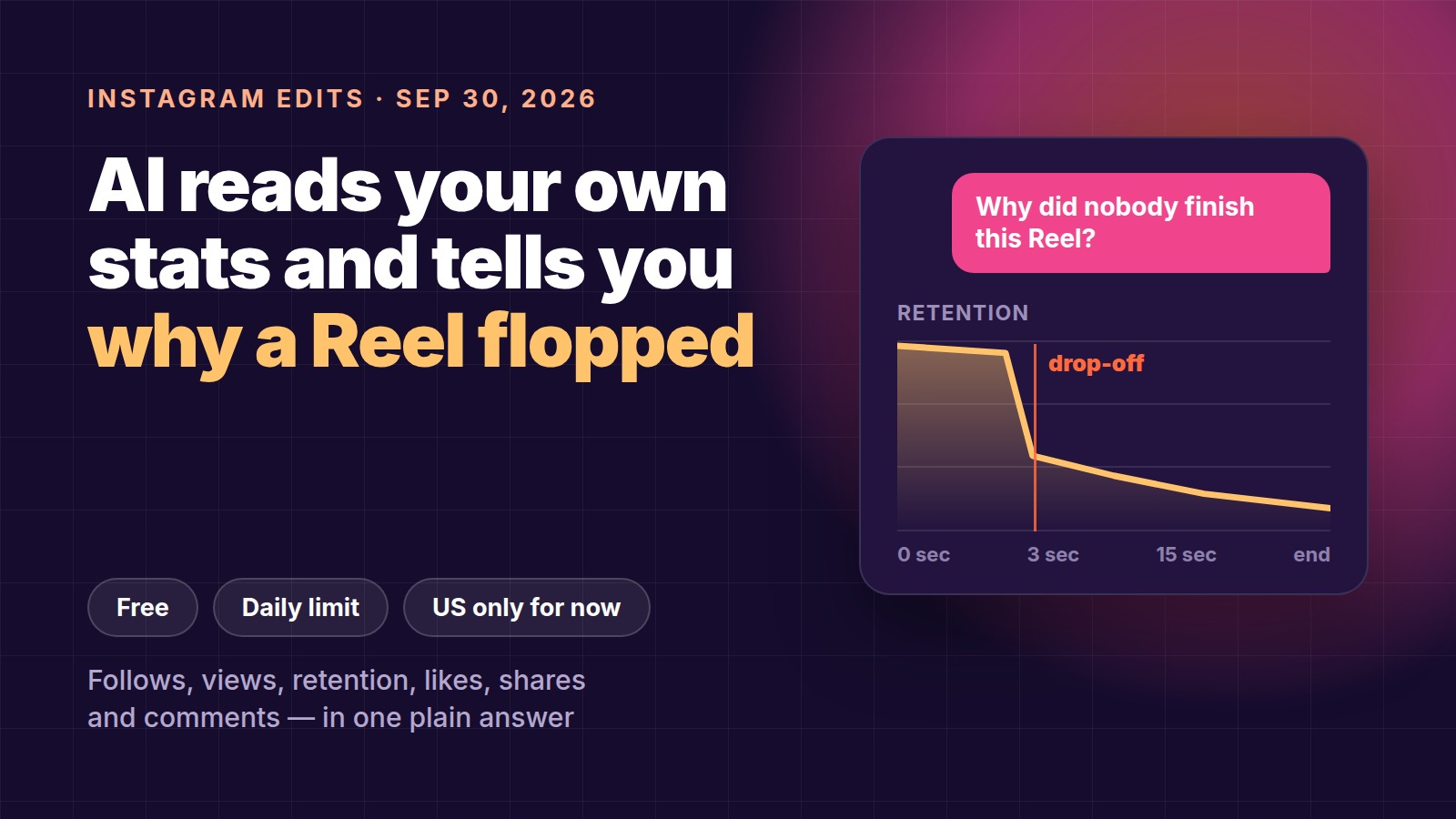
Instagram has put an AI assistant inside Edits, its free video editing app, and it is wired straight into your account data. Ask it why one Reel held attention and another didn't, and it answers in plain sentences instead of charts. It started rolling out on 30 September 2026 to all Edits users in the US, on iPhone and Android, and the free tier comes with a daily prompt limit.
The useful part is not that it is an AI chat. It is that it already knows your numbers. Here is exactly what it can see, what it is good at, what it costs, and the five prompts worth running first.
What shipped
Edits is Instagram's free app for making vertical video — cutting, captions, audio, plus analytics on the Reels you publish from it. The new feature is called Edits assistant and sits inside the app as a chat.
Brett Westervelt, who leads Edits, framed it this way:
"Instead of generic advice, you'll find perspective grounded in who you are as a creator."
He also drew a clear line around what it is for: the assistant does the analytical digging, the creative calls stay with you. That is worth taking literally. It is not a script generator you point at a blank page — it is a reader of your own back catalogue.
What data it can see
Instagram listed the inputs the assistant pulls from:
| Signal | Source |
|---|---|
| Follows | your account analytics |
| Views | your account analytics |
| Video retention | your account analytics |
| Likes | your account analytics |
| Shares | your account analytics |
| Comments | your own Reels |
| Audience interests | Instagram's data on your followers |
| What's trending | Instagram trends |
Retention is the one that matters most. Views tell you the algorithm pushed a Reel out; retention tells you whether anyone stayed. Until now, reading retention meant opening each Reel's graph one at a time and eyeballing the differences. That comparison is the job the assistant actually takes off your hands.
Comments are the quiet second entry on that list. Your comments are the only place in your analytics where people say why in words, and an AI reading 400 of them will spot a repeated question faster than you will.
Five prompts to run first
Instagram's own examples are a good starting point:
- "What's working on my account right now?"
- What connected most with my audience this month?
- Why did one Reel hold attention and another didn't?
- What's trending on the platform?
- What should I make next?
Beyond analysis, the assistant will also generate:
- concepts, hooks, captions and scripts based on your own track record;
- trending audio matched to your niche, not the global chart;
- variations of the same Reel so you can test which one lands.
Read the output like an editor, not an oracle
In its announcement Instagram shared two creator examples. One creator was told her greenhouse footage outperformed her cooking videos. Another was advised to run seven-second Reels alongside her one-minute ones.
Both sound obvious written down. The value is that neither was a guess — each came out of that specific account's numbers. Treat every answer the same way: ask which metric it came from. If the assistant says a topic is working, the follow-up prompt is "based on which Reels, and what was the retention?" An answer you can trace is an answer you can act on.
What it costs
Free, with a daily prompt limit. Instagram has not said how many prompts that is.
Expanded usage is promised through Meta One, Meta's combined subscription across Instagram, Facebook, WhatsApp and Meta AI, which launched on 15 September 2026 and is available globally. Meta's creator and business tiers:
| Plan | Price |
|---|---|
| Essential | from $14.99/month |
| Advanced | from $49.99/month |
| Expert | from $149/month |
| Max | from $499/month |
Which of those lifts the prompt cap, and by how much, has not been specified. Meta also notes that plans, benefits and pricing vary by region and by account, so check what your own account is actually offered before budgeting for it.
For most creators the honest read is: run the free tier for a month first. A daily cap is only a problem once you have a routine worth exceeding it.
Availability
- Rolling out: all Edits users in the US, iOS and Android, from 30 September 2026.
- Everywhere else: not yet. Instagram named no other countries and gave no timeline.
- Desktop: Meta previewed a desktop version of Edits in June 2026 and says it is still in development. No release date.
If you run a US-facing account from outside the US, the assistant follows the app's availability, not your audience — so it is not something you can plan around yet.
How to use it in an actual weekly routine
The assistant rewards having something to analyse. A loose way to use it:
- Publish at least six to eight Reels before you ask anything. With three, there is no pattern to find and you will get generic answers.
- Ask one comparison question a week, not ten scattered ones. "Why did Tuesday's Reel beat Friday's?" produces something you can test. "What should I post?" produces filler.
- Change one variable at a time. Length is the cheapest to test, so start there — the seven-second versus one-minute idea costs you nothing but an export.
- Write down what you changed and what happened. The assistant remembers your metrics, not your intent. A three-column note — date, what I changed, retention — is what makes next month's answers sharper.
Where it won't help
It reads what you already published. It cannot tell you whether a niche you have never posted in would work, and it cannot see competitors' retention, only public trends. New accounts and pivots are still guesswork.
What Instagram hasn't said
- The size of the free daily prompt limit.
- Which Meta One tier expands it, and to what.
- When and where it rolls out beyond the US.
- How far back into your account history it can read.
- Which languages it answers in.
FAQ
What is Edits by Instagram?
Instagram's free app for editing vertical video — cuts, captions, audio and analytics for the Reels you publish from it. Since 30 September 2026 it has been getting an AI assistant that reads your account analytics.
How do I find out why my Reels aren't getting views?
Look at retention rather than views: how many people drop off in the first three seconds, and where the graph breaks. Heavy early drop-off is a hook problem; a steady decline means the Reel is too long. Edits assistant does that comparison for you if you are in the US.
Is Edits assistant free?
Yes, with a daily prompt limit that Instagram has not quantified. Expanded usage is promised via Meta One, starting at $14.99/month for the entry creator plan.
Does it write my Reels for me?
It will draft hooks, captions and scripts from your own best-performing videos, but Instagram is explicit that the creative decisions stay with you. It analyses; it does not shoot or edit.
How many Reels do I need before it is useful?
Enough for a pattern — six to eight published Reels is a reasonable floor. With fewer, there is nothing to compare and the answers get generic.
Related reading
- What actually changed in Instagram with Meta One
- How to tell what's working without complicated analytics
- Best AI video editors in 2026
Reading retention matters most when your numbers are your paycheck. On Prime Oracles, creators pick up brand briefs under "Content Rewards" and get paid per view on their own videos — which makes watch-through the number you feel directly.